
Why Cutting LLM Token Costs Often Hurts Agents First
Hitesh Sondhi · June 29, 2026 · 11 min read
We’ve seen teams celebrate a 40% token cost reduction on Friday and then spend Monday wondering why their agent suddenly forgot how to do its job.
That’s the trap.
Cutting token usage sounds like clean, obvious optimization. Less context in, fewer tokens out, smaller bill. Great. Except agents are not chatbots with a nicer haircut. They’re brittle little systems stitched together from prompts, tools, memory, retries, and wishful thinking. When you squeeze tokens blindly, the first thing you usually break is agent quality.
And the worst part? The dashboard often looks better right before the product gets worse.
The recent show hn: lowfat – launch is a good example of where token cuts actually make sense. Lowfat is a lightweight CLI tool designed to reduce AI token costs by filtering unnecessary command-line output before it reaches your agent, and the repo positions it as a single binary that can work as an agent hook or shell wrapper GitHub: zdk/lowfat. That’s a smart place to attack waste because raw CLI output is often a dumpster fire of logs, ANSI junk, repeated headers, stack traces, and irrelevant lines.
That’s not “context.” That’s noise wearing a fake mustache.
Key Takeaways
- The cheapest token is the one you never send, but only if it was useless in the first place.
- Agents break faster than chat apps when you compress context because they depend on hidden scaffolding: tool traces, state, and structured instructions.
- Prompt compression, routing, and output filtering work best together. Doing only one usually creates a new bottleneck.
- If you don’t have cost observability per step, per tool, and per task, you’re not optimizing. You’re guessing.
- CLI filtering tools like Lowfat are useful, but they’re one layer in a bigger token-efficiency stack.
The dumbest way to save money
The dumbest way to cut LLM cost is to slash prompt length everywhere and hope the model “figures it out.”
We tried versions of this years ago in internal prototypes. It was bad. Tool selection got worse, retries went up, and suddenly the “cheaper” system was doing more calls, taking longer, and requiring more human cleanup. Saving tokens while increasing failure loops is like eating cheaper food by dropping it on the floor and calling the dog your dishwasher.
This is why agents get hurt first.
A normal chat interaction can survive some prompt trimming. An agent often can’t, because the prompt isn’t just prose. It’s operating instructions, tool contracts, memory summaries, execution state, safety constraints, and sometimes the only thing preventing the model from doing something spectacularly stupid.
Compression without judgment is vandalism.
Why show hn: lowfat – matters
The Lowfat repo makes a simple argument: a lot of CLI output should never hit the model at all GitHub: zdk/lowfat.
We agree.
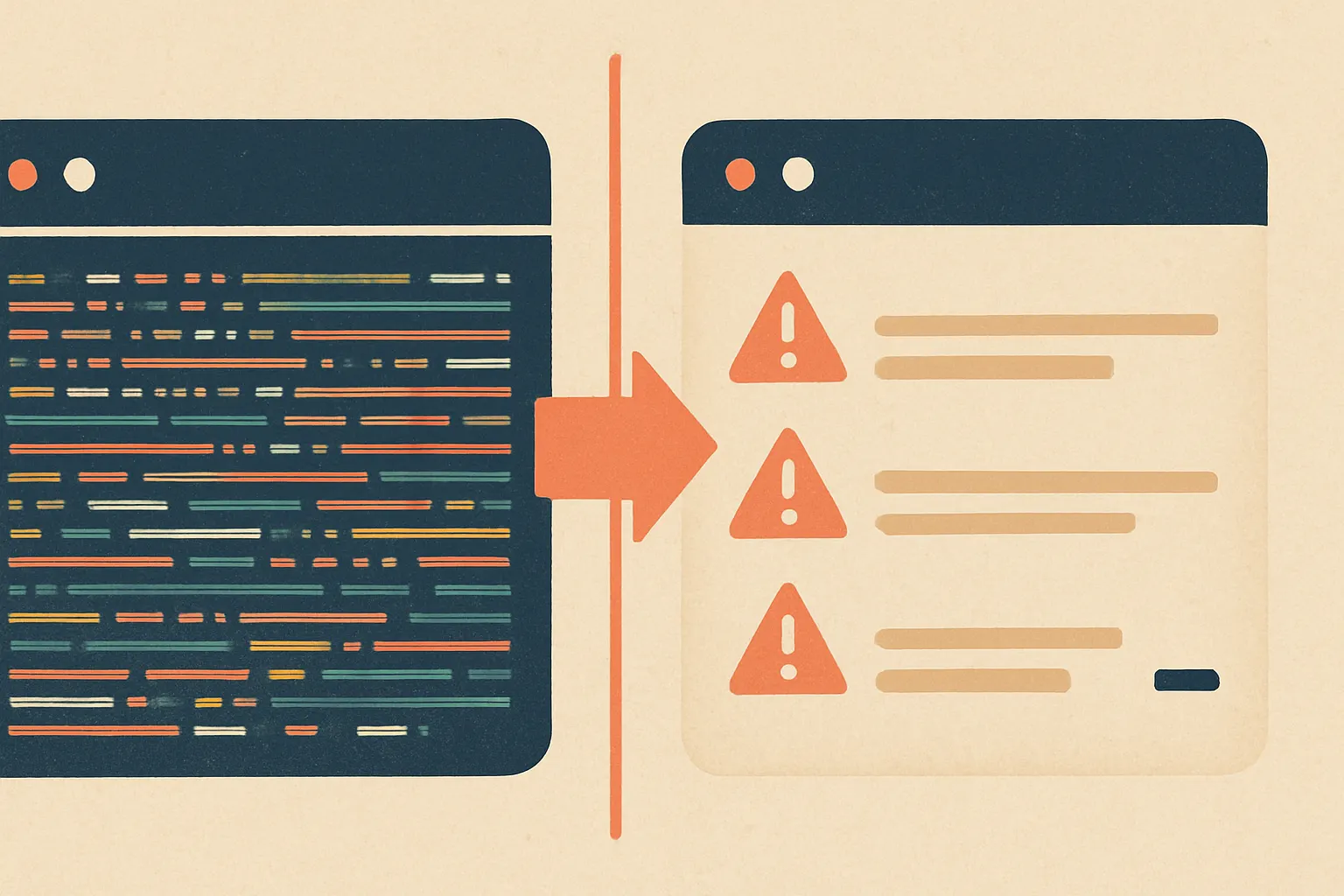
If your coding agent reads 800 lines of terminal output just to find “test 14 failed because env var DATABASE_URL is missing,” you don’t have an intelligence problem. You have a garbage collection problem.
Here’s the kind of waste we see in agent pipelines all the time:
- repeated shell banners
- progress bars and spinner artifacts
- ANSI escape sequences
- dependency install noise
- duplicated stack traces
- giant test logs where only 3 lines matter
- full file diffs when a structured summary would do
That’s where a tool like Lowfat earns its keep. Not because “91.8% token savings” is automatically the right number for your system — that’s context-dependent, and we’re not going to repeat a benchmark we can’t independently verify beyond the project’s own framing — but because the design instinct is correct: strip noise before it contaminates the prompt GitHub: zdk/lowfat.
Here’s the catch, though.
Filtering output is the easy part. Knowing what not to filter is where grown-up engineering starts.
Your agent doesn’t need less context. It needs better calories.
We think about token efficiency the same way we think about nutrition.
Telling an agent “eat less” is not a strategy. Giving it fewer empty calories is.
A good token-efficiency pipeline usually does three things:
- removes obvious junk before the model sees it
- routes work to the cheapest model that can reliably do the step
- measures cost and quality at the workflow level, not just per request
Miss one of those, and the system gets weird.
Prompt compression is not summarization cosplay
A lot of teams say “prompt compression” when they really mean “we asked another LLM to summarize stuff.”
Sometimes that works. Sometimes it quietly destroys the exact detail the downstream step needed.
We prefer compression with rules.
For example:
- preserve file paths, line numbers, exit codes, and timestamps
- keep the last failing stack frame, not the whole stack
- collapse repeated errors into counts
- convert verbose tool output into structured fields
- preserve user constraints verbatim
- drop decorative text, boilerplate, and repeated instructions
That’s not magical. It’s just disciplined.
If you’re building AI agents, this matters more than people admit. Agents fail in boring ways. They pick the wrong tool because a compressed prompt dropped a capability hint. They retry a command because the exit code got lost. They hallucinate success because the failure line was filtered out with the “noise.”
We’ve seen all three.
Routing is where the real savings usually are
Hot take: prompt optimization gets too much attention because it feels clever. Model routing usually saves more money.
If every step in your pipeline hits the same expensive model, you’re paying steakhouse prices for tasks that could’ve been handled by a decent sandwich.
Not every task deserves your best model.
A practical agent stack often looks like this:
- tiny/cheap model for classification, intent detection, or guardrail checks
- mid-tier model for retrieval synthesis, structured extraction, and tool argument generation
- strong model only for ambiguous reasoning, planning, or high-stakes final responses
This is especially true in production systems with voice or device constraints. In our on-device AI work and voice AI systems, waste compounds fast because latency and compute matter alongside token spend. If you route poorly, you don’t just pay more. You also make the product feel slow and clumsy.
And users notice clumsy.
Here’s how a sane token-efficient agent pipeline tends to work:
flowchart TD
  A[User task] --> B[Cheap router model]
  B --> C[Filter raw tool output]
  C --> D[Compress to structured context]
  D --> E{Need deep reasoning?}
  E -->|No| F[Mid-tier model executes]
  E -->|Yes| G[Strong model plans or resolves ambiguity]
  F --> H[Log cost and quality]
  G --> H[Log cost and quality]
The important bit isn’t the boxes. It’s the discipline.
You want the expensive model to touch only the hard parts.
Cost observability: the thing almost everyone skips
Here’s where it gets weird.
A lot of teams can tell you their monthly OpenAI or Anthropic bill down to the cent. They cannot tell you which agent step is wasting money, which tool produces the noisiest context, or which retry path doubles cost on failed tasks.
That’s like running a restaurant where you know the grocery bill but not which dish is burning cash.
You need observability at three levels:
1. Per request
Track input tokens, output tokens, latency, model used, and tool calls.
Basic stuff. Non-negotiable.
2. Per workflow step
Break down where the spend happens: planning, retrieval, tool execution, summarization, final answer, retries.
This is where the truth lives.
3. Per successful outcome
A cheap failed run is not cheaper than an expensive successful run. If your optimization drops task completion or increases human intervention, your “savings” are fake.
We strongly recommend pairing token metrics with:
- task success rate
- retry count
- tool-call accuracy
- human escalation rate
- latency by step
- cost per successful task
If you don’t have that, use something simple and start now. Even a lightweight internal dashboard beats vibes. If you need a rough baseline, a tool like our AI cost estimator helps frame the economics before you start shaving prompts with a chainsaw.
Where to cut first without wrecking quality
If you want practical order of operations, here’s what we’d do.
1. Attack raw tool noise first
CLI logs, browser traces, API payload dumps, verbose JSON, and repeated retrieval chunks are usually low-risk places to cut.
That’s why Lowfat is interesting. It attacks a very specific source of waste — command output before it reaches the model GitHub: zdk/lowfat.
That’s a good instinct because the model never needed most of that junk.
2. Turn free-form context into structure
Don’t send five paragraphs if a schema would do.
Instead of:
- “Here’s the command output, probably relevant, maybe not”
Send:
- command
- exit_code
- error_summary
- affected_files
- last_relevant_lines
- suggested_next_actions
Models handle structured context better than people expect. And it’s cheaper.
3. Route aggressively, escalate carefully
Default to cheaper models for narrow tasks. Escalate only on ambiguity, failure, or confidence thresholds.
Not “send everything to the expensive model because it’s safer.”
That’s lazy architecture.
4. Summarize memory, don’t endlessly append it
Long-running agents love to accumulate junk. Old plans, stale observations, repeated tool outputs, dead branches.
Memory should be curated, not hoarded like a garage full of broken exercise equipment.
5. Optimize retries before final response length
Another hot take: teams obsess over trimming final answer verbosity while ignoring runaway retries and tool loops.
The retries are often the real bill.
The tradeoff nobody wants to admit
Some token-heavy context is actually doing useful work.
There. We said it.
A lot of “prompt bloat” is bad. Some of it is hidden scaffolding that keeps the agent from wandering into traffic. Safety rules, tool formatting examples, edge-case reminders, domain constraints — these can look verbose while quietly holding the whole thing together.
We’ve also seen custom systems where a compact prompt performed worse because the longer version encoded hard-won operational lessons. That’s one reason custom models can make sense when your workflow is stable and narrow enough: you can shift repeated instruction burden out of the prompt and into the model behavior itself.
But don’t jump there too early. Fine-tuning a weak process is like laminating a bad map.
A practical test plan, not a faith-based one
If you’re serious about cutting token costs without breaking quality, run experiments like this:
- choose one workflow, not your whole platform
- identify the top 3 token-heavy steps
- build a baseline with cost, latency, success rate, and retries
- apply one optimization at a time:
- output filtering
- prompt compression
- model routing
- memory summarization
- compare cost per successful task
- inspect failures manually
Manual review matters.
Because the ugliest regressions don’t show up as obvious crashes. They show up as subtle incompetence. Wrong tool. Missed constraint. Confident nonsense. The digital equivalent of a candidate showing up to the interview in a nice blazer and two different shoes.
Here’s a simple scorecard we like:
- Did it finish the task?
- Did it use the right tools?
- Did it require extra retries?
- Did the human need to intervene?
- What was the total token and latency cost?
That’s enough to make good decisions.
Where Cropsly usually lands
Our bias is simple: compress external noise hard, compress internal instructions carefully.
We’ll happily strip terminal junk, deduplicate retrieval chunks, and route cheap classification work away from premium models all day. But we’re cautious about cutting planning context, tool contracts, and state summaries unless we’ve tested the workflow under realistic load.
Because that’s the stuff that breaks first.
If you’re building production agents, especially ones tied to customer support, operations, or voice workflows like RunHotel, token efficiency has to be treated as a systems problem, not a prompt trick. The best savings usually come from architecture, routing, and observability — not from playing prompt Tetris at 2 a.m.
And yes, sometimes the right answer is to use less model.
Wild, I know.
What to do next
Start with one ugly, expensive workflow.
Instrument it. Filter raw output. Add structured compression. Route simpler steps to cheaper models. Measure cost per successful task. Then iterate like an adult, not like someone trying to win a prompt haiku contest.
If you want help designing that stack, from AI consulting to production AI agents, on-device AI, or voice AI, talk to us here.
Because token savings are great.
But not if your agent gets cheaper and dumber at the same time.