
Why the Hidden 43% of LLM API Costs Shows Up After Launch
Hitesh Sondhi · May 10, 2026 · 12 min read
We’ve seen teams celebrate a clean prototype on Thursday, push to production on Friday, and by Monday they’re asking why their OpenAI, Anthropic, or Azure bill looks like a small extortion note.
The ugly part? The model usually isn’t the real problem.
The hidden 43% — the part nobody budgets for properly — tends to show up after launch, when real users do weird human things: they retry, paste novels into chat boxes, trigger tool loops, abandon sessions halfway through, and ask the same question six different ways because your UX made them nervous.
That’s where the money leaks.
And yes, we’re being specific on purpose. We’re not claiming some universal audited number across every company on Earth. We’re saying that in production reviews, we’ve repeatedly found that a huge chunk of LLM API spend isn’t “intelligence,” it’s waste. Not malicious waste. Just boring, preventable, expensive waste.
Key takeaways
- Most LLM overspend happens after launch, not during prototyping.
- The biggest leaks are retries, bloated context windows, bad tool orchestration, and sending the same tokens over and over.
- RAG can reduce cost, but sloppy RAG often increases it by stuffing irrelevant context into every request.
- Cheaper models help, but routing and prompt discipline usually save more money faster.
- If you’re not measuring cost per feature, per route, and per user action, you’re flying blind.
The bill doesn’t explode in staging. It explodes when users arrive.
Staging is polite. Production is a food fight.
In staging, your team asks neat little benchmark questions. In production, one user pastes a 14,000-word contract, another hammers refresh four times, and your agent decides to call three tools, summarize each result, then ask the model to summarize the summary because apparently we enjoy lighting money on fire.
We learned this the hard way on conversational systems. A voice or chat workflow can look cheap in a demo because the average interaction is short and guided. Then real users arrive with ambiguity, interruptions, and follow-up questions, and token counts start compounding like credit card debt.
Hot take: most teams don’t have an LLM cost problem. They have a product design problem wearing an LLM hat.
That’s especially true for AI agents. People love to talk about autonomous workflows like they’re hiring a tireless digital employee. Cute idea. In practice, a badly constrained agent is more like giving your company card to an intern who’s had three espressos.
Where the hidden 43% really leaks
Here’s the simple version: money leaks when your system sends too many tokens, too many times, to too many models, for work that didn’t need to happen.
That’s the whole movie.
Here’s how the pipeline usually goes wrong:
flowchart TD
  A[User request] --> B[Prompt assembly]
  B --> C[Context retrieval]
  C --> D[LLM call]
  D --> E[Tool calls]
  E --> F[Follow-up LLM call]
  F --> G[Response to user]
  E --> H[Retry loop]
  H --> D
Every box in that diagram can leak money. Some of them leak like a cracked radiator.
1. You keep paying to resend the same context
This is the classic one. A user asks five follow-up questions, and your app keeps resending the entire conversation, system prompt, policy block, product catalog, and retrieval chunks every single turn.
That’s not context management. That’s hoarding.
We’ve seen teams carry giant system prompts because “we want the model to be safe and on-brand.” Fine. But if your prompt reads like a legal merger between a style guide, a compliance manual, and a bedtime story, you’re paying for your own indecision on every request.
A better pattern is ruthless prompt compression: split stable instructions from dynamic context, summarize old turns, cache what can be cached, and stop treating every interaction like the model has amnesia and trust issues.
Here’s what that usually looks like in practice:
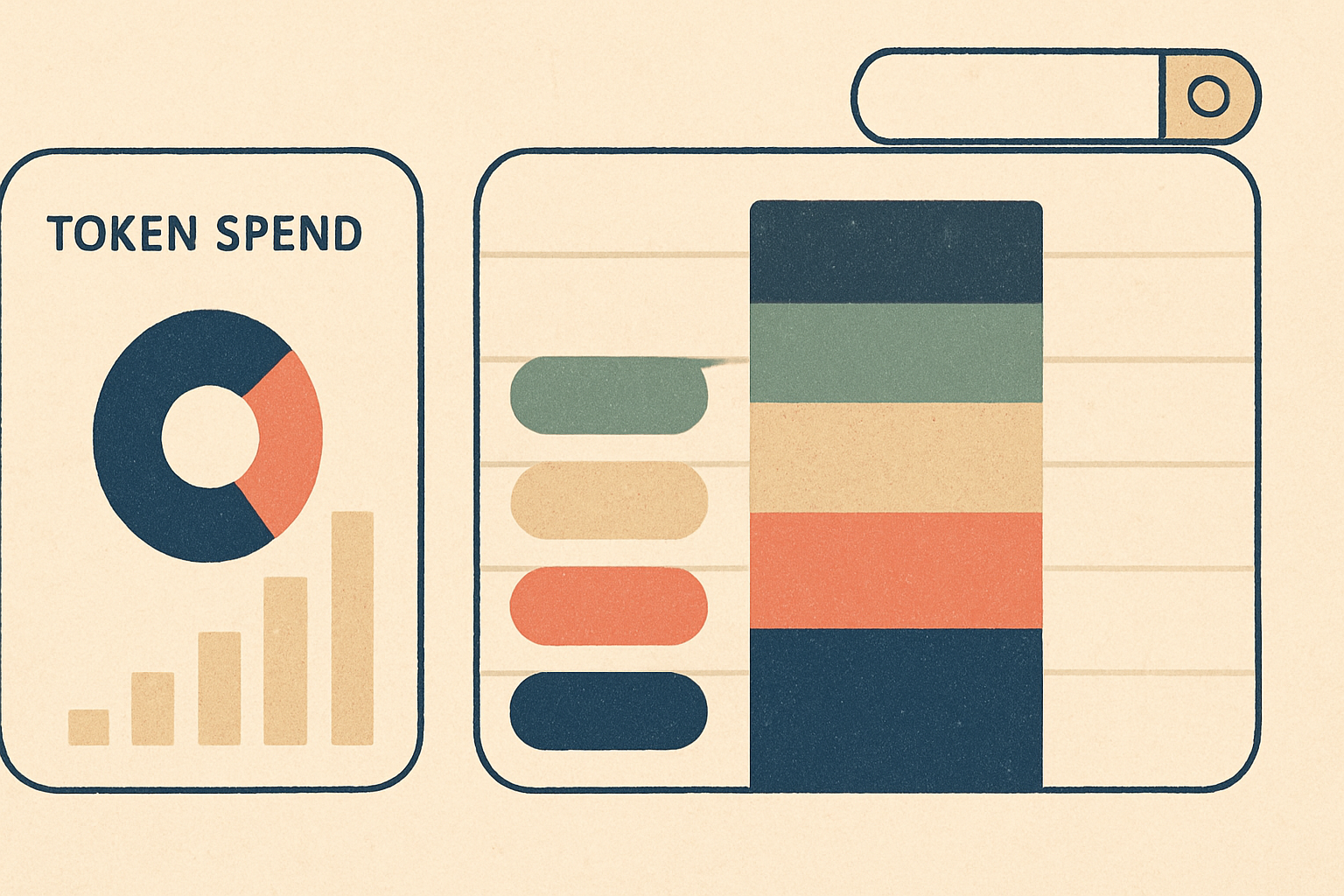
The surprise for most teams is that the answer often isn’t the expensive part. The luggage is.
2. RAG is lying to you about savings
RAG is useful. We build with it all the time. But bad RAG is one of the fastest ways to make the hidden 43% — worse.
Why? Because teams feel virtuous once they “added retrieval,” then proceed to stuff 8 irrelevant chunks into every prompt like they’re packing for a three-day trip with 11 suitcases.
If retrieval quality is weak, your cost goes up twice. First, you pay for extra tokens. Then you pay again because the model gets confused, gives a mediocre answer, and triggers retries, escalations, or another model call.
This is where relevance scoring, chunking strategy, and reranking matter. According to the OpenAI Cookbook and Anthropic documentation, prompt length directly affects token usage and therefore cost; that sounds obvious, but plenty of systems still act like context is free. It isn’t.
And if your retrieval pipeline returns “technically related” junk, your model becomes that friend who answers every question with a half-remembered podcast episode.
Confidently.
Wrong.
Tool calling can be a budget shredder
Tool use is amazing when it replaces expensive reasoning with deterministic systems. It’s terrible when your orchestration layer turns one user question into six model calls and three database hits because nobody defined stopping rules.
We’ve seen agent loops that looked elegant in architecture diagrams and ridiculous in billing logs. The agent would search, reflect, replan, call another tool, then ask the model whether it should ask itself another question. At that point, you don’t have intelligence. You have improv theater.
This matters a lot in voice AI, where latency and cost are both brutal judges. If a spoken interaction triggers multiple back-and-forth model passes, users feel the delay immediately and you pay for every ounce of indecision.
At Cropsly, work like RunHotel pushed us to care about this stuff in a very non-academic way. In voice systems, bloated orchestration doesn’t just waste money — it makes the experience feel broken. A guest won’t say, “Interesting multi-step tool invocation strategy.” They’ll just think your assistant is slow.
3. Retries are eating your lunch
Retries are supposed to be a safety mechanism. In many systems, they become a silent tax.
A timeout happens. The frontend retries. The backend retries. The worker retries. The user clicks again because nothing happened. Now you’ve paid for the same intent two or three times, maybe more, and your logs make it look like demand is growing when actually your architecture is just panicking.
According to Google Cloud guidance on retry strategies, unbounded or poorly designed retries can amplify failures and load. Same story with LLMs, except now every retry can carry thousands of tokens.
We’re opinionated here: if you don’t have idempotency keys and retry budgets around LLM calls, your setup is incomplete.
Not “could be improved.”
Incomplete.
4. You’re using the wrong model for the job
This one is almost embarrassing because it’s so common. Teams pick one flagship model and run everything through it: classification, routing, extraction, summarization, fallback chat, safety checks, all of it.
That’s like using a chainsaw to open a cardboard box.
A lot of production systems should be model-routed. Tiny model for intent classification. Mid-tier model for extraction or summarization. Big expensive model only when ambiguity or quality actually demands it. Anthropic pricing, OpenAI pricing, and Google Gemini pricing all make the same point in different ways: token cost varies materially by model tier.
If every request goes to your fanciest model, the hidden 43% — isn’t hidden. It’s screaming.
For some workloads, the better answer is to stop paying per token at all and move selective workloads closer to the edge with on-device AI or a narrower deployment via custom models. That’s not always the right move. But if your use case is repetitive, latency-sensitive, or privacy-heavy, API-only architecture can get expensive fast.
The leak nobody wants to admit: bad UX
Here’s where engineers get grumpy, because the expensive bug may be sitting in product, not infra.
If your interface is unclear, users over-explain. If your output formatting is inconsistent, they re-ask. If your app doesn’t show progress, they click again. If your system can’t recover gracefully from ambiguity, they start a new session and paste the same thing twice.
Every one of those behaviors costs money.
We’ve found that tightening the UX often reduces API spend more than prompt tinkering. Better defaults, narrower input paths, visible state, confirmation steps before expensive actions, and structured forms where free text isn’t necessary — these are cost controls. They just don’t sound sexy in conference talks.
And yes, this is why AI consulting often starts with workflow mapping instead of model shopping. Buying a better engine won’t help if the car has square wheels.
What to measure if you want the bleeding to stop
If you only track monthly API spend, you’re already too late.
You need cost visibility at the request and feature level. Not because dashboards are fun, but because aggregate spend hides stupid behavior. One route can be responsible for most of your waste while the average looks fine.
Track at least these:
- Cost per request
- Cost per successful task completion
- Input tokens vs output tokens
- Retrieval chunk count per call
- Tool calls per user intent
- Retry rate by route
- Session length vs conversion or resolution
- Cache hit rate
- Cost by model and feature
According to LangSmith documentation and OpenTelemetry, tracing complex request flows is the practical way to understand multi-step AI systems in production. We agree. Without traces, you’re basically diagnosing a plumbing leak by listening to the walls.
That can work.
It usually doesn’t.
The fixes that actually move the number
You don’t need a moonshot. You need a cleanup crew.
Here’s the order we’d attack it in:
Kill prompt obesity first
Trim system prompts. Summarize history. Deduplicate retrieved context. Stop appending giant policy blocks unless they’re actually needed for that route.
This is usually the fastest win.
Add model routing
Use smaller, cheaper models for narrow tasks. Reserve premium models for genuinely hard reasoning or high-stakes responses. If you’re not sure where to start, run a week-long shadow evaluation before switching live traffic.
Put hard limits on tools and retries
Cap tool iterations. Add timeout budgets. Make retries idempotent. Log why a second model call happened.
If your agent can “think” forever, it will.
Cache aggressively, but not stupidly
Cache retrieval results, embeddings, repeated summaries, and deterministic outputs where possible. According to OpenAI’s prompt caching documentation, caching can reduce cost and latency for repeated prompt prefixes when supported. That’s not magic, but it’s real money.
Fix the UX that causes duplicate requests
Prevent accidental resubmits. Show progress states. Constrain high-cost inputs. Ask clarifying questions before launching expensive workflows.
This part feels boring, which is exactly why teams skip it and keep paying.
Should you estimate before building? Yes. Also, your estimate will be wrong.
We’re big fans of rough cost modeling before launch because it forces honest conversations. But every estimate that assumes “average user behavior” is a little fantasy novel.
Real users are chaos merchants.
That’s why we like pairing pre-launch planning with instrumentation from day one. If you’re trying to sanity-check architecture choices, our AI cost estimator is a good starting point. Just don’t treat the spreadsheet like prophecy.
The real surprise comes after usage patterns emerge.
FAQ
Why does LLM API spend jump after launch?
Because real users generate longer, messier, more repetitive interactions than internal testers do. Production also introduces retries, concurrent traffic, tool loops, and edge cases that don’t show up in demos.
What’s the biggest hidden cost in most LLM apps?
Usually unnecessary input tokens. Bloated prompts, oversized chat history, and too much retrieved context quietly inflate every request.
Does RAG reduce cost or increase it?
Both, depending on implementation. Good RAG reduces hallucinations and avoids giant context windows; bad RAG stuffs irrelevant text into prompts and makes everything more expensive.
Should we switch to a cheaper model first?
Sometimes, but not blindly. Model routing, prompt cleanup, and retry control often save more money than a simple model downgrade.
When does on-device AI make sense?
When the workload is repetitive, latency-sensitive, privacy-heavy, or expensive enough at scale that per-token API billing stops making sense. That’s where on-device AI can become very practical.
So what should you do on Monday?
Pull a week of logs.
Break spend down by route, model, retries, context size, and tool usage. Find the top 10% of requests by cost, then inspect them manually. That’s where the hidden 43% — usually stops being hidden and starts looking embarrassingly fixable.
If you want a second set of eyes, we help teams audit and rebuild these systems all the time — from AI agents to voice AI to custom model deployments. You can talk to us here.
Because most LLM cost problems aren’t mysterious.
They’re just expensive habits with good marketing.