


What Actually Cuts GPU Hours When Making LLM Training Faster
Hitesh Sondhi · May 8, 2026 · 13 min read
We once watched a “speedup” save 28% on paper and cost us a week in real life.
The training loop was faster. Great. Except checkpointing choked the disks, dataloaders starved the GPUs, and the team spent two days debugging a mixed-precision edge case that only showed up after 90,000 steps. Classic benchmark theater.
That’s the problem with most advice on making LLM training faster: it worships tokens/sec and ignores the rest of the pipeline. Production doesn’t care how pretty your benchmark chart looks. Production cares how many GPU hours you burned before you got a model worth shipping.
And yes, Unsloth plus NVIDIA tooling can absolutely help. But some speedups are steak, and some are just garnish.
Key Takeaways
- The biggest wins usually come from reducing memory pressure first, not chasing exotic kernels.
- Unsloth matters most for fine-tuning workflows, especially LoRA/QLoRA, where VRAM limits are the real bottleneck.
- NVIDIA speedups that survive production are boring: mixed precision, FlashAttention, fused optimizers, better dataloading, and sane multi-GPU strategy.
- If your GPUs are waiting on storage, Python, or bad batching, kernel-level optimizations won’t save you.
- The fastest training run is often the one you didn’t have to repeat because your evals, checkpoints, and data quality were handled properly.
The uncomfortable truth: most “training speedups” don’t matter
If you’re making LLM training faster, you need to separate three very different things:
- Higher raw throughput — more tokens/sec.
- Lower memory use — bigger batch sizes, longer context, fewer OOMs.
- Less total work — fewer steps to reach the same quality.
People mash these together like they’re the same. They’re not.
A 20% throughput gain is nice. A 40% memory reduction that lets you double effective batch size is often better. And a cleaner dataset that gets you to target quality in half the steps? That’s the kind of win that makes your finance team stop glaring at you.
Hot take: data quality and training stability are more important than another 8% kernel speedup for most teams.
That’s not sexy, but it’s true.
Where Unsloth actually earns its keep
Unsloth got popular because it made fine-tuning less painful, especially for open models with LoRA and QLoRA. That’s the real story. Not magic. Not free lunch. Just fewer wasted resources and a cleaner path to getting a job done.
In practice, Unsloth shines when you’re doing supervised fine-tuning or instruction tuning and you’re constrained by VRAM. It reduces overhead, plays nicely with quantized fine-tuning setups, and often lets you train models on hardware that would otherwise be a non-starter. The official project documents memory and speed improvements for supported workflows, especially around efficient fine-tuning stacks (Unsloth Documentation).
That matters because VRAM is usually the first wall you hit. Not theory. Not math. Just a rude CUDA out of memory at 2 a.m.
If you’re tuning a 7B or 8B model for a narrow task, Unsloth can be the difference between “we can iterate today” and “we need to rework the whole plan.” We’ve seen this pattern repeatedly when teams want custom assistants, domain adapters, or custom models without renting a small moon’s worth of GPUs.
But here’s where people get carried away.
Unsloth is not a replacement for good systems engineering. If your tokenizer pipeline is sloppy, your sequence lengths are chaotic, and your GPUs are twiddling their thumbs waiting for data, Unsloth won’t rescue you. It’ll just help you fail a bit faster.
The NVIDIA stack that actually moves the needle
NVIDIA has a whole buffet of training optimizations. Some are absolutely worth your time. Some are for teams operating at scales most companies will never touch.
The boring winners are still the right winners.
Mixed precision is still the first lever to pull
Using FP16 or BF16 is one of the most reliable ways to reduce memory use and increase throughput on supported NVIDIA hardware. NVIDIA explicitly recommends mixed precision training because Tensor Cores are designed to accelerate lower-precision math while maintaining model quality with the right scaling strategy (NVIDIA Mixed Precision Training Guide).
BF16 is usually the less annoying option on modern hardware because it’s more numerically forgiving than FP16. If you’ve ever lost a run to NaNs 11 hours in, you stop romanticizing “maximum speed” pretty quickly.
This is the first thing we’d check.
FlashAttention is not hype
Attention is expensive, and FlashAttention changed the economics of long-context training by reducing memory traffic and improving efficiency. The original FlashAttention paper showed substantial speed and memory improvements by making attention IO-aware rather than brute-forcing reads and writes to high-bandwidth memory (Dao et al., 2022). FlashAttention-2 pushed this further with better parallelism and work partitioning (Dao, 2023).
In plain English: it stops your GPU from acting like a chef who walks back to the pantry for every single spice.
If your stack supports it, use it. This one is real.
Fused optimizers and fused kernels are small wins that stack up
NVIDIA’s Transformer Engine and related optimizations reduce overhead by fusing operations that would otherwise bounce through memory and launch too many kernels. This is exactly the kind of change that sounds minor and ends up shaving meaningful time off long training runs (NVIDIA Transformer Engine Documentation).
Would we rebuild our whole pipeline for a tiny fused-op gain? No.
Would we take it when it’s stable and easy? Absolutely.
Better parallelism helps, but only if you need it
Tensor parallelism, pipeline parallelism, FSDP, ZeRO-style sharding — these are real tools for training larger models across multiple GPUs or nodes. DeepSpeed’s ZeRO methods, for example, reduce memory duplication across devices and make larger-scale training feasible (Rajbhandari et al., 2020). PyTorch FSDP does similar work in the native ecosystem (PyTorch FSDP Docs).
But here’s the opinionated part: many teams jump to distributed training too early, and it’s a mistake.
Multi-GPU training is like adding more cooks to a kitchen that already has one cutting board. If your input pipeline, checkpointing, and synchronization aren’t clean, you just get a louder mess.
For a lot of fine-tuning jobs, one fast GPU used well beats four GPUs used badly.
Here’s what the pipeline looks like when it’s not lying to you
Most “speedup” articles isolate the training loop. Production doesn’t get that luxury.
Here’s the actual chain you need to optimize:
flowchart TD
  A[Dataset prep] --> B[Tokenization & packing]
  B --> C[Dataloader throughput]
  C --> D[GPU training loop]
  D --> E[Checkpointing]
  E --> F[Evaluation]
  F --> G[Decision: continue or stop]
If any one of those stages is slow or flaky, your headline tokens/sec number is basically cosplay.
We’ve seen teams spend days tuning kernels while their dataloader workers were underfed and their storage throughput was the real bottleneck. That’s like polishing a race car and filling it with lawnmower fuel.
The speedups that save real GPU hours
Let’s get concrete. If your goal is making LLM training faster in a production setting, these are the levers that usually matter most.
1. Sequence packing beats a lot of fancy tricks
If you’re fine-tuning on short examples and not packing sequences efficiently, you’re paying to process padding. Padding is dead weight. Dead weight is expensive.
Packing multiple short examples into full context windows often delivers a very practical throughput improvement because you’re wasting fewer tokens per batch. This doesn’t make for flashy conference slides, but it’s one of the first places we’d look.
And yes, this can matter more than a shiny new optimizer.
2. Fix the dataloader before touching the model
This is the least glamorous advice in the article, which means it’s probably the most useful.
If CPU preprocessing, tokenization, network storage, or Python workers can’t keep up, your GPU utilization drops. NVIDIA’s own performance guidance repeatedly emphasizes profiling the full training system, not just GPU kernels, because host-side inefficiencies can dominate end-to-end time (NVIDIA Nsight Systems).
Profile first. Guessing is how teams burn money with confidence.
3. Use gradient checkpointing when memory is the bottleneck
Gradient checkpointing trades extra compute for lower memory use by recomputing activations during backpropagation. PyTorch documents it clearly, and it’s often a good trade when memory limits are preventing useful batch sizes or longer sequences (PyTorch Checkpoint Docs).
Would we use it blindly? No. It can slow each step.
But if it lets you run the training configuration you actually need, it can reduce total wall-clock time by avoiding constant compromises.
4. Stop overtraining junk data
This one hurts because it’s true.
Research on data-efficient language model training keeps showing the same pattern: better data selection and curation can improve the quality-to-compute tradeoff dramatically (Tirumala et al., 2024). If half your corpus is noisy, duplicated, or off-task, you’re not “being thorough.” You’re paying GPUs to learn nonsense.
The cheapest token is the one you never train on.
5. Architecture choices matter, but mostly upstream
The SERP crowd loves mentioning SwiGLU, grouped-query attention, and deep-thin designs. Fair enough. These choices can improve compute efficiency and inference characteristics. For example, grouped-query attention reduces KV cache and can make attention cheaper at scale, which is why it shows up in modern architectures (Ainslie et al., 2023).
But for most teams reading this, architecture surgery is not where the first production gains come from. If you’re training from scratch, yes, model design matters a lot. If you’re fine-tuning an existing base model, your big wins are usually elsewhere.
Don’t rebuild the engine when your tires are flat.
Where Unsloth + NVIDIA is a killer combo
This pairing is strongest in a very specific lane: efficient fine-tuning on NVIDIA GPUs where memory is tight and iteration speed matters more than giant-cluster heroics.
Think domain adaptation. Think support copilots. Think voice assistants with narrow operating envelopes. Think on-device or hybrid deployment targets where you need smaller, sharper models rather than bloated generalists. That’s the same logic we apply in systems like RunHotel, where practical constraints matter more than leaderboard vanity.
Here’s the setup that often makes sense:
- Unsloth for efficient LoRA/QLoRA-style fine-tuning
- BF16 where hardware supports it
- FlashAttention if the model stack allows it
- Sequence packing
- Fused optimizers/kernels when stable
- Aggressive profiling with Nsight or PyTorch profiler
- Early stopping and evals that catch bad runs quickly
That combination isn’t glamorous.
It works.
Here’s a visual way to think about it:
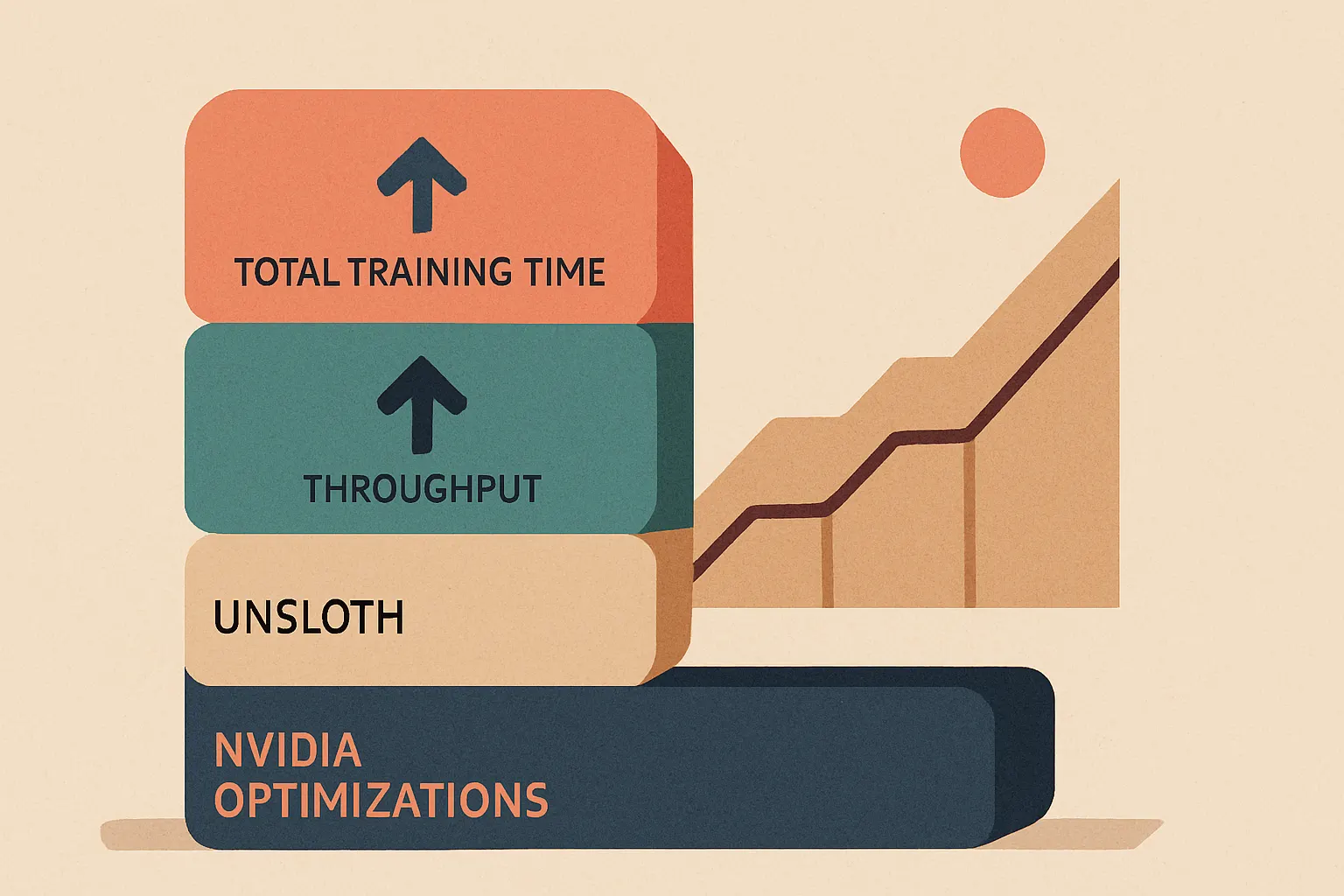
The mistake is expecting one tool to solve all layers. Unsloth helps with efficient fine-tuning. NVIDIA gives you hardware-aware acceleration. Your job is to make sure the rest of the pipeline isn’t sabotaging both.
What we’d prioritize, in order
If a client came to us asking about making LLM training faster, we wouldn’t start with obscure tricks from a Reddit thread. We’d start with the checklist that survives contact with production.
First: measure everything
Use PyTorch Profiler, Nsight Systems, and simple utilization monitoring. If you can’t say where time is going, you’re not optimizing. You’re gambling.
Second: reduce memory pressure
Turn on mixed precision. Use Unsloth if you’re in its sweet spot. Add gradient checkpointing if needed. Memory constraints are often the root cause of bad batch sizes and unstable configs.
Third: remove wasted tokens
Pack sequences. Clean the dataset. Trim junk. Data efficiency beats brute force more often than people want to admit.
Fourth: optimize the input pipeline
Pre-tokenize where it makes sense. Increase dataloader efficiency. Fix storage throughput. Keep GPUs fed.
Fifth: scale out only when the single-node setup is healthy
Then use FSDP, ZeRO, or other distributed approaches if the model size or throughput target actually requires it.
That order saves a lot of pain.
If you’re still unsure where the money is going, an AI cost estimator is a decent sanity check before you light up another cluster.
The stuff that’s overrated
Let’s annoy some people.
Overrated: chasing tiny benchmark wins before fixing data and batching.
If your examples are poorly packed and your eval loop is weak, your 6% kernel gain is lipstick on a forklift.
Overrated: distributed training for mid-sized fine-tunes.
Unless you truly need it, the coordination overhead and debugging tax can wipe out the benefit.
Overrated: training bigger when training cleaner would work.
A lot of teams should not be scaling from 7B to 14B. They should be fixing their corpus and prompts.
Underrated: stopping bad runs early.
The cheapest GPU hour is the one you never spend after your validation metrics flatten or drift.
That’s not glamorous. It’s profitable.
FAQ
Does Unsloth always make LLM training faster?
No. It helps most in supported fine-tuning workflows, especially LoRA/QLoRA where memory efficiency unlocks better batch sizes and cheaper iteration. If your bottleneck is storage, tokenization, or distributed synchronization, Unsloth won’t fix that.
Which NVIDIA optimization should we enable first?
Mixed precision, usually BF16 on supported GPUs. It’s one of the most reliable wins for both memory and throughput, and NVIDIA explicitly recommends it for Tensor Core acceleration (NVIDIA Mixed Precision Training Guide).
Is FlashAttention worth the integration effort?
Usually yes, if your model stack supports it cleanly. It reduces the memory and IO burden of attention, which makes a real difference for longer contexts and larger batches.
Should we use multi-GPU training for fine-tuning?
Only if you need it. For many fine-tuning jobs, a well-optimized single-GPU or single-node setup is simpler, cheaper, and faster to debug than a distributed system.
What matters more: faster steps or fewer steps?
Fewer steps to the same quality. That usually comes from better data, better curriculum, and stronger evals rather than raw kernel speed.
So what actually cuts GPU hours?
Not magic libraries. Not one weird trick. Not the benchmark screenshot your coworker dropped in Slack.
What cuts GPU hours is a stack of sane decisions: use Unsloth where it fits, lean on NVIDIA’s proven optimizations, keep memory under control, feed the GPUs properly, and stop wasting tokens on bad data. That’s the stuff that survives production.
If you’re building fine-tuning pipelines, AI agents, voice AI, or on-device AI, this is exactly where engineering discipline beats hype. And if you want a second set of eyes on your training stack, our AI consulting team can help you find the expensive mistakes before your cloud bill does.
Or just contact us before your next “speedup” turns into a postmortem.
Because nothing says “efficient training” like discovering your GPUs spent the weekend waiting on a Python dataloader.
Sources
- Unsloth Documentation
- NVIDIA Mixed Precision Training Guide
- NVIDIA Transformer Engine Documentation
- NVIDIA Nsight Systems
- FlashAttention: Fast and Memory-Efficient Exact Attention with IO-Awareness
- FlashAttention-2: Faster Attention with Better Parallelism and Work Partitioning
- ZeRO: Memory Optimizations Toward Training Trillion Parameter Models
- PyTorch Fully Sharded Data Parallel (FSDP) Docs
- PyTorch Checkpoint Docs
- Data-Efficient Language Model Pretraining by Gradient-Based Data Subselection
- GQA: Training Generalized Multi-Query Transformer Models from Multi-Head Checkpoints