How to build human-in-the-loop AI workflows without bottlenecks
Hitesh Sondhi · May 4, 2026 · 13 min read
We once watched an “automated” AI workflow grind to a halt because every edge case got escalated to the same three people. By day one, it looked elegant in the architecture diagram. By day five, it looked like an airport security line after someone forgot to staff the scanners.
That’s the dirty secret of a lot of AI automation: teams say they want oversight, but what they actually build is a glorified approval queue.
A good human in the loop AI workflow doesn’t just add humans for safety theater. It puts people exactly where they create leverage, then gets out of their way. That sounds obvious. It isn’t. We’ve seen teams bolt on manual review at the end of the pipeline like duct-taping an extra brake pedal onto a race car.
It’s bad design.
Key Takeaways
- Human-in-the-loop works when humans review exceptions, not everything.
- The fastest way to create bottlenecks is [routing low-risk decisions to expensive experts](/blog/how-we-broke-top).
- Confidence thresholds alone are overrated; business impact should decide when a human steps in.
- Good HITL systems need queue design, escalation rules, and [feedback loops](/blog/does-gas-town-steal) — not just a “review” button.
- If you can’t [measure review latency, override rate, and error severity](/blog/implementing-audit-logging-in-a-nestjs-application), you’re flying blind.
What HITL actually means, minus the buzzword fog
Human-in-the-loop, or HITL, means a person is deliberately inserted into an AI system to review, correct, approve, or guide decisions before, during, or after automation. Google Cloud describes it as an approach where humans are involved in the training and operation of AI systems to improve outcomes and accountability (Google Cloud).
That definition is fine. But it’s too polite.
In practice, HITL is about admitting that your model is not wise, your workflow is not neutral, and some mistakes are too expensive to automate. Fraud decisions, medical summaries, contract changes, customer escalations, hotel guest voice requests, internal policy actions — these aren’t places where “the model seemed confident” should be the final word.
And here’s the hot take: fully autonomous workflows are often oversold.
Not because autonomy is useless. It’s great for repetitive, low-risk tasks. But once a workflow touches money, compliance, customer trust, or real-world operations, pure autonomy starts behaving like that friend who volunteers to cook for 20 people after watching two YouTube videos.
Confident. Fast. Dangerous.
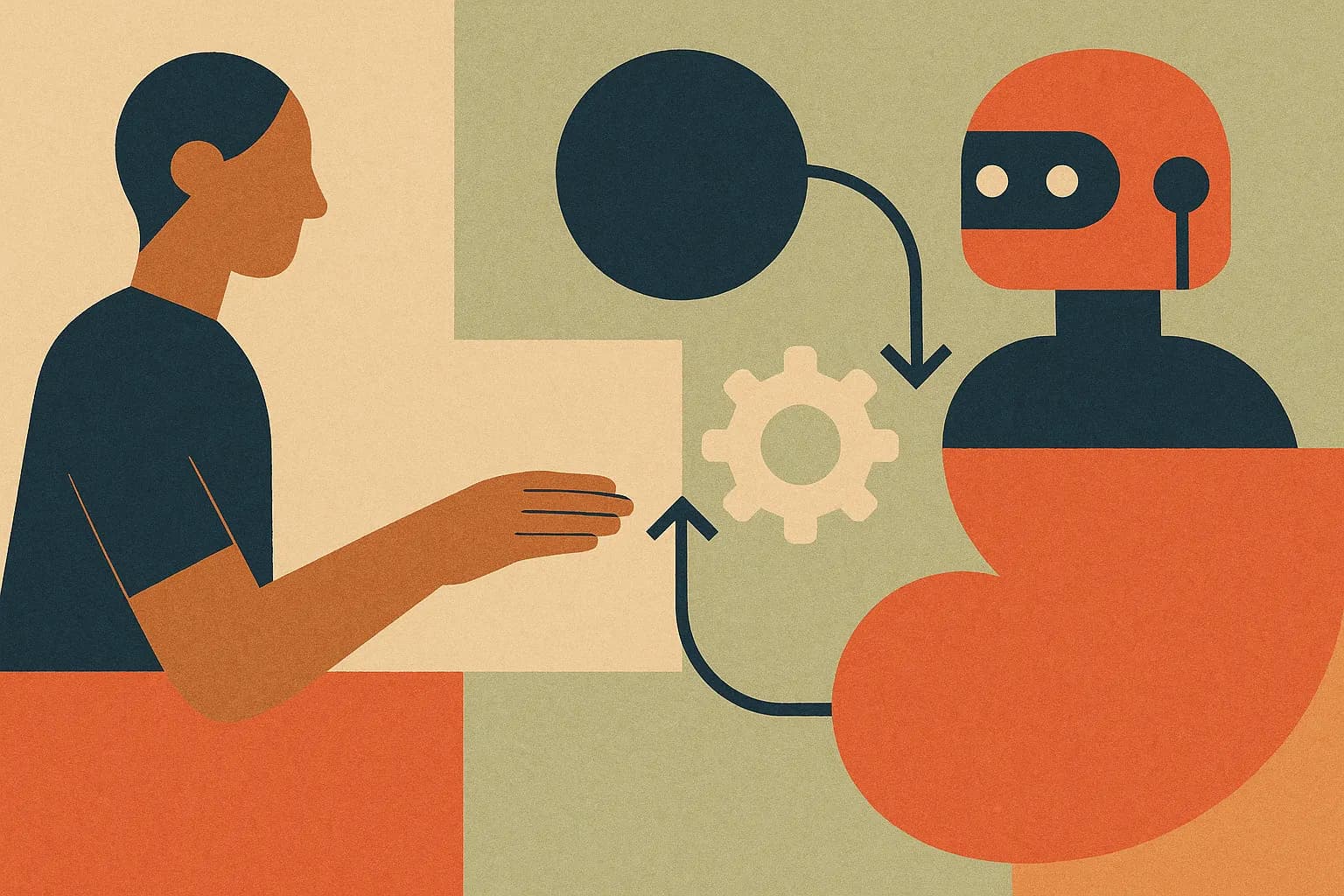
Here’s a simple way to picture it:
The mistake most teams make is treating HITL like a moral principle instead of a systems design problem. If you don’t design for throughput, ownership, and feedback, your human reviewers become the slowest database in the stack.
Why your AI workflow turns into a traffic jam
We’ve seen the same failure pattern over and over.
A team launches an AI assistant to classify requests, draft replies, or trigger actions across tools. Leadership says, “Make sure a human checks it.” So every output gets pushed to review. Reviewers get swamped. SLA slips. Users get annoyed. Then someone decides the humans are the problem.
They aren’t.
The workflow is.
A proper human in the loop AI workflow starts with one uncomfortable question: what decisions are actually worth human attention? Not “where can we insert approval,” but “where does human judgment materially reduce risk or improve quality?”
That’s a different question.
Here’s where it gets weird.
Teams often route based on model confidence alone. We think that’s overrated. Confidence scores can help, but they’re not the whole story. A 70% confidence typo fix in an internal note is not the same as a 70% confidence refund decision sent to a VIP customer. Same confidence. Very different blast radius.
Design around impact, not just uncertainty.
The three places humans belong in the loop
If you want to avoid bottlenecks, humans should usually show up in one of three places: before execution, during exception handling, or after action as part of quality control.
1. Before execution: approval for high-risk actions
This is the obvious one. The AI drafts a contract edit, proposes a refund, changes a booking, or generates a medical coding suggestion. A human approves before the action happens.
This works well when the cost of a bad action is high and the volume is manageable.
It fails when you make humans approve trivial stuff. We’ve seen workflows where people had to approve every generated email, including “Thanks, got it.” That’s not oversight. That’s punishment.
2. During exception handling: humans rescue edge cases
This is where most good systems should focus. Let the AI handle routine paths. Route only ambiguous, conflicting, or high-risk cases to people.
Think of it like a restaurant kitchen. You don’t ask the head chef to inspect every french fry. You call them over when the steak’s undercooked, the allergy note is unclear, or table 12 says the order makes no sense.
That’s leverage.
3. After action: humans audit and improve the system
Sometimes you don’t need synchronous approval at all. You need post-hoc review, sampling, and correction. This is especially useful for lower-risk workflows where speed matters more than perfection.
The hidden benefit is that you collect feedback without blocking the system. That feedback can later improve prompts, policies, routing rules, or custom models.
But that’s only half the problem.
The workflow pattern that actually scales
The best HITL systems don’t ask, “Should humans be involved?” They ask, “Under what conditions, with what SLA, through which queue, and with what authority?”
That’s workflow design.
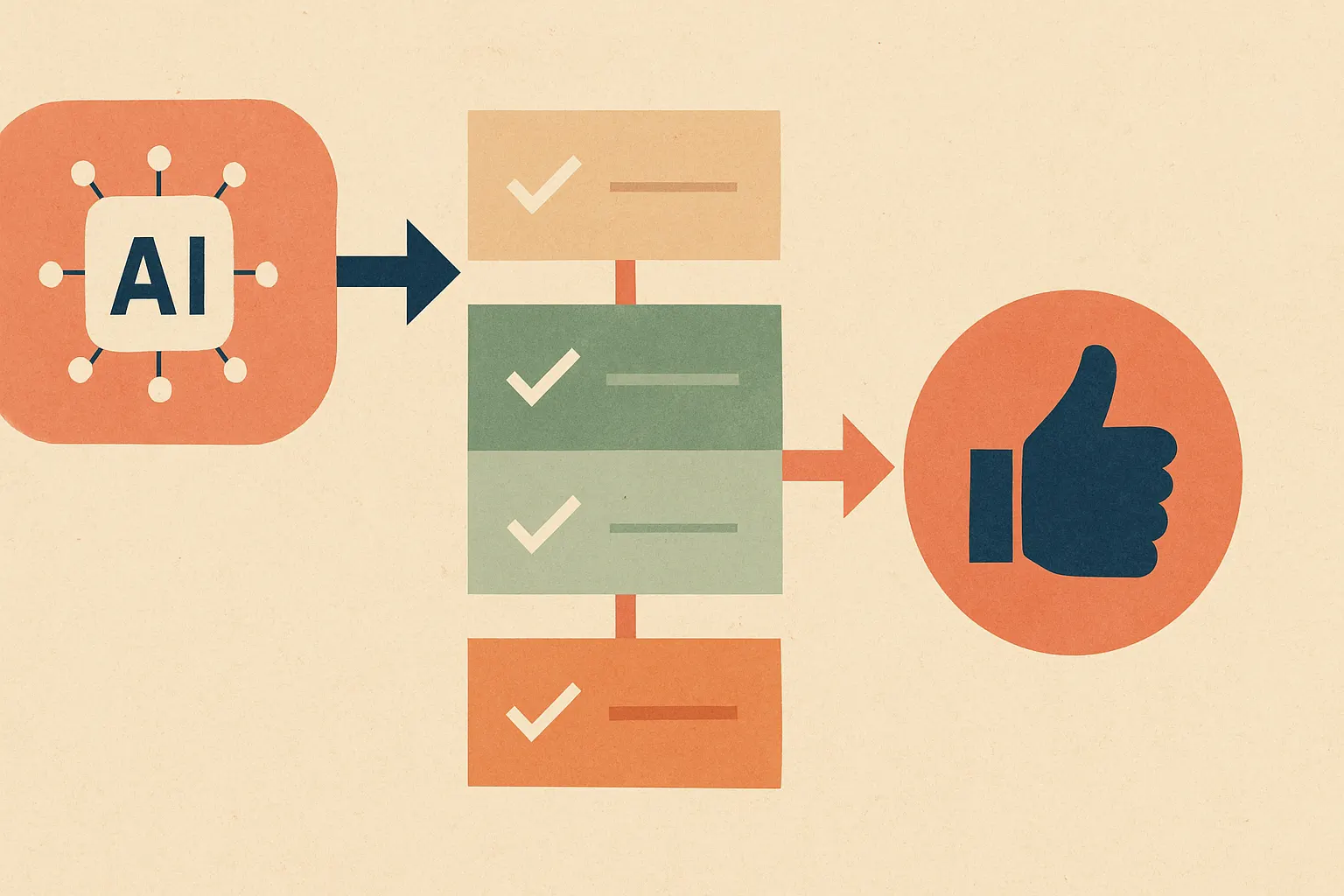
Here’s a simple pattern we like for a scalable human in the loop AI workflow:
flowchart TD
  A[User request] --> B[AI triage and risk scoring]
  B --> C{Low risk and high confidence?}
  C -->|Yes| D[Auto-execute]
  C -->|No| E[Human review queue]
  E --> F{Approve, edit, or reject}
  F --> G[Execute action]
  D --> H[Log outcome]
  G --> H
  H --> I[Feedback loop for prompts, policies, and model updates]
Notice what’s not in that diagram: “send everything to a human.”
Because that’s how you lose.
A scalable review layer needs four design choices:
Risk tiers
Define low, medium, and high-risk actions based on business impact. Not vibes. If the AI is summarizing internal notes, maybe that’s low risk. If it’s changing billing, legal text, or customer entitlements, that’s probably high risk.
NIST’s AI Risk Management Framework is useful here because it pushes teams to think in terms of governance, mapping, measurement, and management rather than just model accuracy (NIST AI RMF 1.0).
Review triggers
Use multiple triggers, not just confidence. Good triggers include policy violations, missing data, conflicting tool outputs, regulated content, customer tier, anomalous behavior, and irreversible actions.
We’ve found that “irreversible action” is a brutally effective routing rule. If the action can’t be cleanly undone, a human should probably see it.
Queue ownership
This is where a lot of workflows die. If no one owns the review queue, the queue owns you.
Assign owners, SLAs, fallback reviewers, and escalation paths. Microsoft’s guidance around human approval steps in workflow systems reflects this operational reality: HITL isn’t just a model feature, it’s an orchestration feature (Microsoft Learn).
Feedback capture
Every human correction should become structured feedback. Don’t just store “edited by reviewer.” Capture what changed, why it changed, and whether the issue came from retrieval, prompt design, tool use, or model behavior.
Otherwise your reviewers are mopping the floor while the pipe keeps leaking.
Why “just add a reviewer” is a terrible plan
We tried a version of this years ago in an internal workflow prototype. The AI did decent first-pass classification. Instead of routing only uncertain cases, we sent nearly everything to operations for approval because we wanted a “safe rollout.”
It was a mistake.
Reviewers started rubber-stamping outputs because the queue was full of obvious cases. Then the truly weird cases got less attention, not more. That’s the paradox: too much review can reduce quality because humans stop thinking when the system wastes their time.
This isn’t just our experience. Research from Microsoft shows that people working with AI can outperform either humans or AI alone in certain tasks, but the gains depend heavily on task design and interaction quality, not merely adding oversight (Microsoft Research).
A bored reviewer is almost as risky as no reviewer.
What to measure if you want fewer bottlenecks
If you’re serious about improving a human in the loop AI workflow, measure the workflow, not just the model.
Start with these:
Review rate
What percentage of tasks get routed to humans? If it’s too high, automation isn’t carrying its weight. If it’s too low, you may be missing risky failures.
Review latency
How long does a task sit before a human touches it? This matters more than people think. A brilliant review process with a six-hour delay can still wreck customer experience.
Override rate
How often do humans change or reject the AI output? High override rates usually mean one of three things: weak prompts, weak retrieval, or bad routing.
Severe error rate
How often does the system produce mistakes with real business impact? This is the metric executives should care about, but it’s often missing because it’s harder to define.
Feedback-to-fix cycle time
How long does it take for a repeated human correction to become a system improvement? If reviewers keep fixing the same issue for weeks, your loop isn’t closed.
Here’s the joke version: if your dashboard only shows token usage and latency, you’re measuring the engine while the wheels are falling off.
Where HITL fits in agentic systems
Agentic systems make this more interesting and more dangerous. Once an AI can plan, call tools, update records, and trigger multi-step actions, the review problem shifts from “is this answer correct?” to “should this chain of actions happen at all?”
That’s a much bigger deal.
For AI agents, we usually think in terms of action boundaries. Let the agent reason and gather information autonomously. Put human checkpoints around sensitive actions: sending external communications, changing records, spending money, or escalating customer-impacting decisions.
For voice AI, especially in operational environments, latency pressure is real. You can’t put a human in the middle of every turn of a conversation without making the experience feel broken. In those cases, the trick is to keep the live interaction automated while routing summaries, exceptions, or sensitive intents to humans afterward. That’s been especially relevant in products like RunHotel, where speed matters but so does operational control.
And for on-device AI, the design gets even more practical. You may not have the luxury of shipping every uncertain event to a cloud reviewer in real time. Sometimes the right pattern is local execution plus periodic human audit, not synchronous approval.
Different architecture. Same principle.
A practical blueprint you can steal
If you’re building your first human in the loop AI workflow, don’t start with a giant orchestration engine. Start with one decision point and make it boringly reliable.
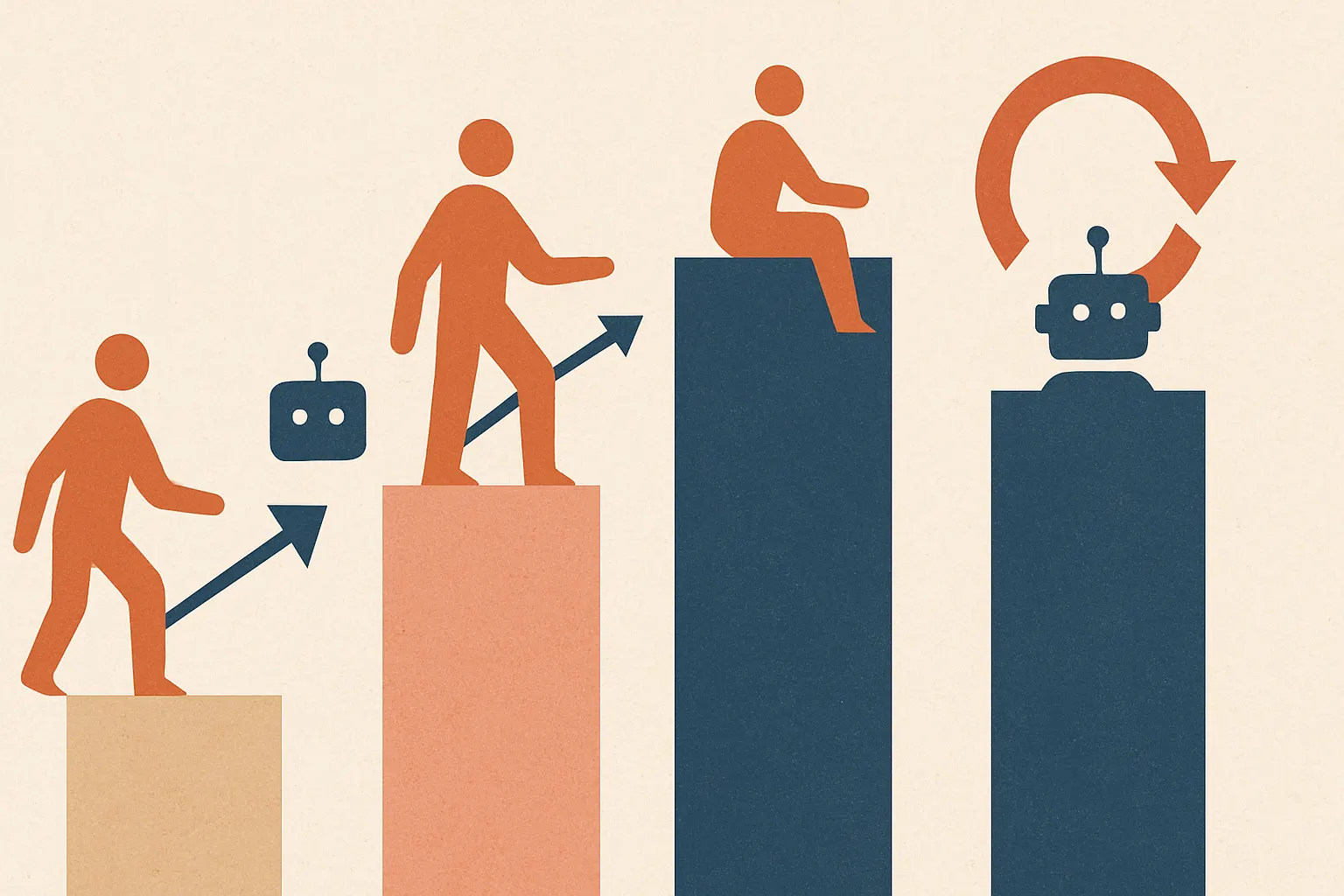
A good rollout looks like this:
Phase 1: Shadow mode
Let the AI make recommendations without taking action. Humans do the task as usual, and you compare outcomes. This is where you discover whether the model is actually helpful or just fluent.
Phase 2: Assist mode
Let the AI draft, classify, or recommend. Humans stay in control of final action. Measure acceptance rate, edit distance, and time saved.
Phase 3: Conditional automation
Auto-execute only low-risk, high-confidence, reversible actions. Route the rest to review. This is where real efficiency starts showing up.
Phase 4: Continuous tightening
Use reviewer feedback to reduce unnecessary escalations and catch failure patterns earlier. This is where AI consulting is often more valuable than another model swap, because workflow design usually beats model tinkering.
Here’s another way to visualize the maturity path:
If you want to estimate whether the economics even make sense before building, run the numbers on tooling, model usage, and review overhead. Our AI cost estimator is useful for that kind of sanity check.
Because yes, you can absolutely build a workflow that is “automated” and still more expensive than doing it manually.
We’ve seen that movie. It stinks.
FAQ
How is a human-in-the-loop AI workflow different from full automation?
A human-in-the-loop AI workflow includes people at key decision points instead of letting the system run entirely on its own. The point isn’t to slow everything down — it’s to reserve human judgment for cases where mistakes are costly, ambiguous, or hard to reverse.
When should humans review AI outputs?
Humans should review outputs when the action is high-risk, irreversible, policy-sensitive, or outside the model’s reliable operating range. In practice, that usually means approvals for financial, legal, compliance, or customer-impacting actions, plus exception handling for messy edge cases.
Does HITL always improve accuracy?
No, not automatically. If you route too much low-value work to reviewers, they get fatigued and start rubber-stamping, which can reduce quality instead of improving it.
What metrics matter most in HITL workflow design?
Review rate, review latency, override rate, severe error rate, and feedback-to-fix cycle time matter most. Those metrics tell you whether the workflow is actually balancing safety, speed, and learning.
Can HITL work with AI agents and voice systems?
Yes, but the checkpoint has to match the medium. For agents, humans usually approve sensitive actions; for voice systems, it’s often better to automate the live exchange and route risky intents or summaries for human follow-up.
The part nobody likes hearing
You probably don’t need more humans in your AI workflow.
You need fewer, better-timed interventions.
That’s the whole game. Put people where judgment matters, give them clear authority, keep the queue small, and turn every correction into system learning. If you do that, the human in the loop AI workflow becomes a force multiplier instead of a bureaucratic tax.
If you’re designing one now and want a second set of eyes, talk to us through Cropsly’s contact page. We build production AI systems, and we’re happy to tell you when your review process is elegant, practical, or quietly becoming a disaster.
Because the worst bottleneck in AI isn’t the model.
It’s pretending workflow design doesn’t matter.