


Android 17 Launches With Gemini and Multitasking, What App Teams Should Change
Shivam Kapoor · June 17, 2026 · 7 min read
Your Android roadmap now has an awkward fork: keep polishing one full-screen happy path, or spend the next sprint proving your app behaves when it shares the screen with Gemini, another app, and a half-drained battery.
That’s the real consequence of Android 17. Not the launch branding. Not the eligible-phone rumor cycle.
According to TechCrunch, Android 17 launches with new multitasking tools while Google expands Gemini features across the platform. App teams should treat two items as roadmap work now: adaptive UI under heavier multitasking and AI interactions that may happen closer to the device.
Multitasking Is Now a Product Requirement
Most Android apps still behave like they own the whole room.
They assume full height, uninterrupted focus, and a user who starts one task, finishes it, then leaves. Foldables, tablets, desktop modes, floating windows, split-screen, and taskbar workflows have been warning against that assumption for years. Android 17 makes it harder to ignore.
Continuity is the engineering problem, not just responsive layout.
When a user drags your app into a smaller window, opens Gemini beside it, copies an answer into a form, rotates the device, then resumes from recents, your app shouldn’t lose form state, reset scroll position, restart authentication, or re-query a backend just because the activity lifecycle got noisy.
That’s where many production apps still fail.
Here’s the test I’d add before any Android 17 sign-off: run the core task in split-screen, resize twice, background the app, trigger low-memory pressure, restore it, then complete the task on mobile data. A checkout, booking flow, chat composer, document editor, or onboarding wizard should survive that path.
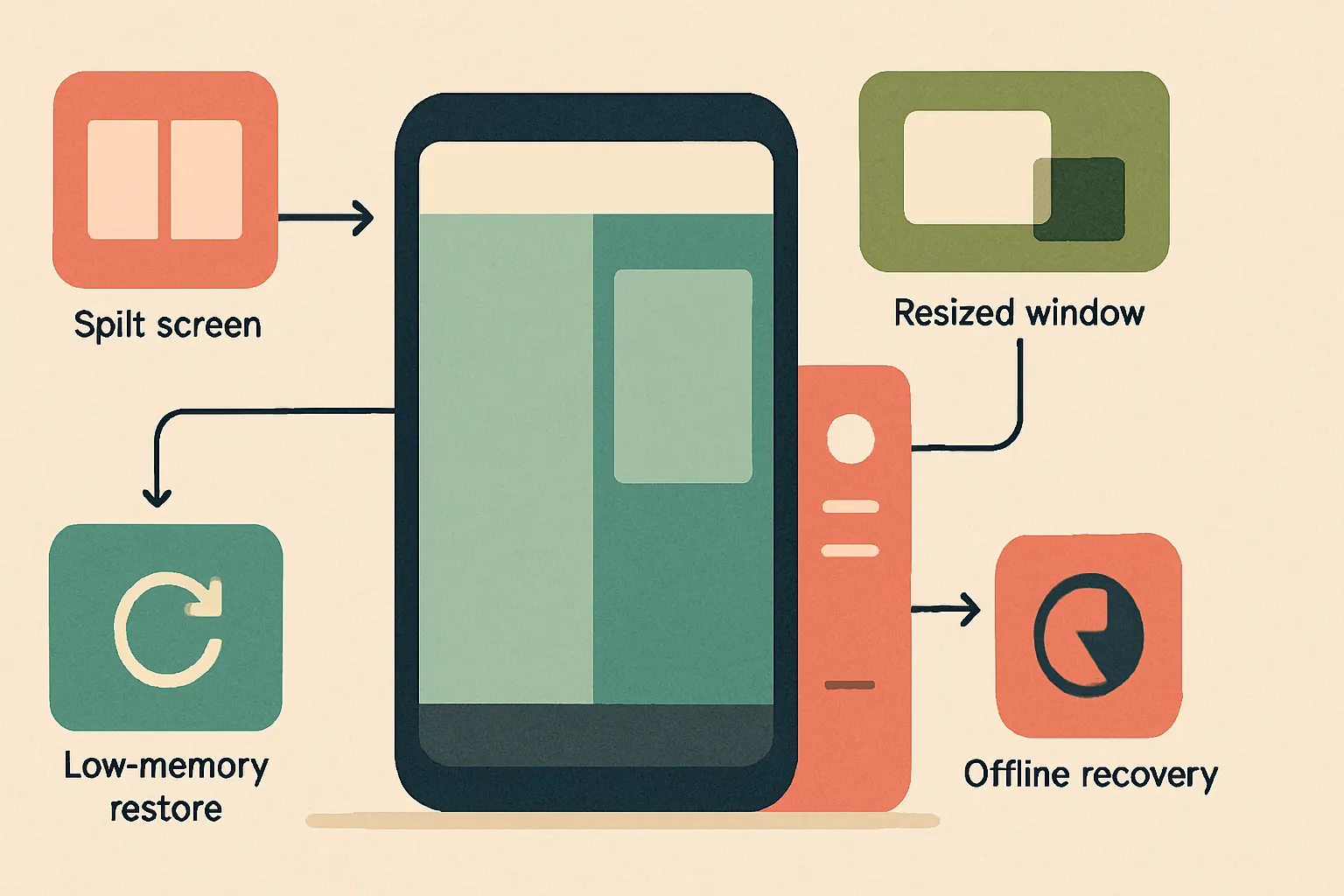
In Cropsly mobile builds, we treat this like seatbelt testing. You don’t test the car only while driving straight on dry roads. You test the ugly transitions because that’s where users lose trust.
Measure task completion after lifecycle churn. Avoid treating “works on a Pixel in portrait” as compatibility.
Gemini Changes the App Boundary
Gemini expansion matters because users won’t always enter your app through your UI.
A user may ask Gemini to summarize something, extract structured information, draft a reply, search across app content, or hand off intent into your workflow. Some of that will happen through platform-level surfaces. Some will happen through explicit integrations. Some will just change user expectations.
This is where teams overbuild.
Not every app needs a chat interface. A banking app doesn’t become better because it has a mascot that answers balance questions. A hotel operations app, like our RunHotel work, benefits when voice AI reduces repetitive staff actions, but only if the action model is tightly scoped and auditable.
Ask a sharper question: which user intent should your app expose to an assistant?
For many apps, the answer is a narrow set:
- Create, update, or retrieve a record
- Summarize user-owned content
- Continue an interrupted workflow
- Answer questions from local app state
- Trigger a safe, reversible action
That last word matters. Reversible.
When Gemini or any assistant can initiate a destructive workflow, your app needs confirmation boundaries, permission checks, and event logs. We use the same design instinct in AI agents: the model can propose, but the system decides what’s allowed.
Measure assistant-initiated task success separately from tap-driven task success. Those paths won’t fail the same way.
On-Device AI Is a Battery Budget, Not a Checkbox
“On-device Gemini” sounds like a feature. On a phone, it’s a resource negotiation.
CPU, GPU, NPU, RAM, thermal headroom, disk, and battery all get a vote. When your app adds local summarization, voice recognition, image understanding, or ranking, model architecture is only half the decision. Runtime timing and preemption matter just as much.
We’ve learned this repeatedly in on-device AI and voice AI work. A local model that feels instant on a developer device can become hostile on a mid-range phone after 18 months of battery wear, WhatsApp media bloat, and background sync jobs.
Use on-device AI where it gives you one of four advantages:
- Offline behavior users can feel
- Lower latency for short interactions
- Privacy for sensitive inputs
- Lower variable inference cost at scale
Skip it when the only benefit is a better release note.
Hybrid is the practical pattern. Keep small, latency-sensitive, privacy-sensitive tasks local. Send heavier reasoning, long-context synthesis, and expensive generation to the backend when the network and policy allow it. To price that tradeoff, run the workload through an AI cost estimator, then test thermals and battery drain on real devices.
Track median and tail latency, but also measure battery percentage drop over repeated sessions. A feature that saves 400ms but burns trust after ten minutes isn’t a win.
Compatibility Work Starts Before the Official Rollout
The “when is Android 17 official rollout?” threads are understandable, but they’re the wrong planning anchor for engineering teams.
Your QA window starts with beta access, not broad consumer adoption. Use Pixel devices where available, partner device betas where they match your user base, and emulator images for coverage. Physical devices still matter because multitasking, memory pressure, camera, microphone, Bluetooth, and thermal behavior don’t show up honestly in a clean emulator.
Supported-device rumors are useful for marketing calendars. They’re weak inputs for build quality.
Samsung-heavy markets need foldables and One UI timing in the plan. EU field teams using rugged Android devices may see Android 17 impact months after Pixel rollout. Consumer apps can still take review damage from early Pixel users before the broader base upgrades.
App-store reality is blunt: users don’t care that only a slice of devices got the update. If your app breaks on their phone, it’s your one-star review.
Create a device matrix from analytics, not headlines. Pull OS version, manufacturer, screen class, RAM tier, and crash-free sessions. Then include Android 17 beta devices that represent your highest-risk combinations.
What I’d Put on the Roadmap Now
I wouldn’t start with a redesign.
Start with the failure modes that Android 17 makes more visible: broken state restore, cramped layouts, unsafe assistant handoffs, unnecessary cloud calls, and background work that competes with AI features.
For the next build cycle, I’d prioritize:
- Window-size class audits for the top five revenue or retention flows
- Activity and process-death restore tests for long forms and carts
- Gemini-facing intents only for safe, narrow workflows
- Local AI experiments behind flags, with battery and thermal logging
- Offline fallback paths for any AI feature users may expect in poor connectivity
- Review of permissions, especially microphone, notification, file, and account access
If you’re already rebuilding a mobile surface, this is the moment to make it adaptive by default. Mature apps don’t need boiling oceans. Pick the flows where interruption costs money or trust.
Teams adding AI to an Android app should ship one boring, reliable assistant action before five magical demos. If you need help deciding what belongs on-device, in the cloud, or nowhere near a model, that’s a good AI consulting conversation.
The Build Decision
Android 17 doesn’t force every app to become an AI app. It does force app teams to accept that the phone is no longer a single-window, always-online, tap-only environment.
Apps that win will keep state correctly, expose clean intent surfaces, respect battery, degrade offline, and behave well beside whatever else the user is doing. A loud Gemini wrapper won’t compensate for a broken restore path.
If your Android 17 backlog has only “test latest SDK” and “update dependencies,” it’s too thin. Include multitasking acceptance tests. Include assistant-entry threat modeling. Include battery profiling for local AI. Build device coverage from your own install base.