Urgent fix: Repair Android builds after FFmpegKit retirement (NDK r26c patch + migration options)
Hitesh Sondhi · September 11, 2026 · 7 min read
Your CI pipeline fails at 2 AM on a clean checkout. Nothing changed in your code, no new commits, no dependency bump. Your error is a 404 on a Maven Central artifact for com.arthenica:ffmpeg-kit-full. That's because ffmpegkit is retired, and the binaries your Android build has silently depended on are gone from every public repository.
On January 6, 2025, FFmpegKit was officially retired by its maintainer, Taner Sener. By April 1, 2025, all native binaries were pulled from Maven Central, CocoaPods, and npm, as outlined in this remediation guide. If your app does video transcoding, audio extraction, or any media processing on Android, your build is either already broken or will be on the next clean checkout.
FFmpegKit binaries are gone from Maven Central, CocoaPods, and npm. Your build will fail on clean checkout if you haven't already patched or migrated.
The [NDK r26c patch](/blog/android-17-gemini-multitasking) lets you keep using existing FFmpegKit source locally by fixing compilation against newer NDK toolchains.
Long-term, you need to migrate: either self-compile FFmpeg, use a maintained fork, or switch to platform APIs like Media3.
Test native media pipelines with binary parity checks, not just unit tests. A recompiled FFmpeg can produce different output bytes.
What Actually Broke
On the FFmpegKit GitHub repository, the retirement announcement was clear: no future releases, and existing binaries would be removed. The source code and release archives remain available, but the prebuilt binaries that most Android projects consumed via Maven Central are gone.
This is not a deprecation warning with a graceful sunset period. It's a hard removal. When your build.gradle pulls com.arthenica:ffmpeg-kit-full or any variant from Maven Central, Gradle will fail to resolve the dependency. Cached artifacts in ~/.gradle/caches will keep local builds working for a while, but CI environments that start from a clean state will fail immediately.
The NDK r26c Patch: Keeping FFmpegKit Alive Locally
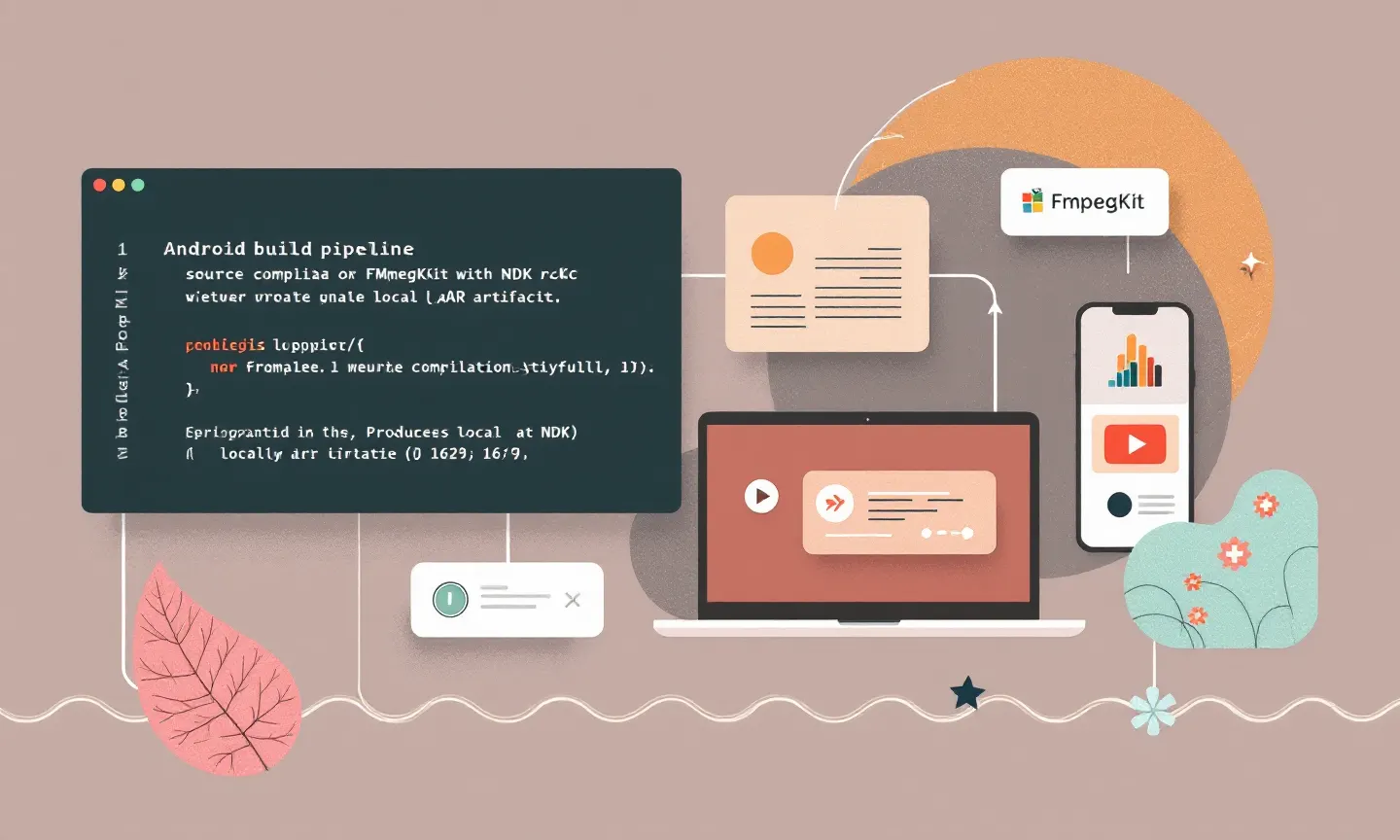
When you need a fix today and can't afford a full migration, the fastest path is to build FFmpegKit locally from the existing source. The problem is that the FFmpegKit source doesn't compile cleanly against recent NDK versions. The NDK r26c patch addresses this, as described in the detailed walkthrough.
The patch updates FFmpegKit's build scripts to handle changes in NDK r25 and r26. Missing symbol references, updated sysroot paths, and deprecated API calls are all addressed. You'll need to download the FFmpegKit source from GitHub, apply the patch, and run the Android build script locally.
Here are the practical steps:
Clone the
arthenica/ffmpeg-kitrepository at the last release tag.Download Android NDK r26c and set
ANDROID_NDK_HOMEto its path.Apply the NDK r26c compatibility patch to the build scripts.
Run
./android.shwith your desired flags (full, min, audio-only, etc.).Copy the resulting
.aarinto your project'slibs/directory and reference it as a local dependency.
This gets you back to a working build, but it's a stopgap. You now own the maintenance of a retired library's build pipeline. Every time the NDK updates, you'll need to verify and potentially re-patch. Compilation from source can take 30 to 45 minutes on a modern machine, so factor that into your CI pipeline or plan to cache the .aar artifact internally.
Migration: Three Paths Worth Considering
Migrating away from FFmpegKit entirely is the real fix. We've seen three approaches work in practice, each with different tradeoffs.
Self-compiled FFmpeg without FFmpegKit. FFmpeg itself is alive and well. You can compile it directly for Android using the NDK without the FFmpegKit wrapper. This gives you full control over codecs and build flags, but you lose FFmpegKit's JNI bindings and session management. You'll need to write your own JNI layer or use ProcessBuilder to invoke the ffmpeg binary. For simple use cases like trimming or transcoding, invoking the binary directly is fine. With complex pipelines requiring progress callbacks, it gets painful fast.
A maintained fork. Several community forks have appeared since the retirement. Evaluate them carefully. A fork is only as good as its maintainer's commitment. Check the commit history, issue response times, and whether the fork has actually updated its FFmpeg baseline or just copied the last FFmpegKit release. We're skeptical of forks that don't publish their own CI pipeline. When you can't see how the binaries are built, you can't trust what's in them.
Platform APIs. In many use cases, FFmpegKit was overkill. When you're doing basic video playback, trimming, or format conversion, Android's Media3 (the successor to ExoPlayer) handles most of this natively. MediaCodec and MediaMuxer cover transcoding for common formats. The Media3 library is actively maintained by Google and ships with proper AndroidX integration. You lose support for exotic codecs and some advanced filtering, but you gain a dependency you can actually trust long-term.
Testing Native Media Pipelines After Migration
A migration isn't done when the build passes. It's done when you've verified output parity.
If you're moving from FFmpegKit binaries to a self-compiled FFmpeg, the output of your transcode pipeline can change. Different compiler flags, different library versions, different codec implementations all produce different bytes. Your unit tests probably check that transcoding "works" but don't verify byte-for-byte output. They should.
We recommend a golden-file testing approach. Take a set of representative input media files, run them through your old pipeline, and save the outputs as golden references. After migration, run the same inputs through the new pipeline and compare. For video, compare frame-by-frame with a tolerance threshold. With audio, compare decoded PCM output with an acceptable SNR margin.
When running native media alongside ML inference, like we do with on-device AI work for RunHotel, the stakes are higher. A recompiled FFmpeg might handle audio preprocessing differently, which changes the input to your model. That's a silent regression that won't show up in any test unless you're checking model outputs against baselines. For teams building voice AI, AI agents, or custom models that depend on consistent audio preprocessing, this is a critical check.
When evaluating the cost tradeoffs of maintaining native media pipelines versus migrating, our AI cost estimator can help quantify the engineering hours. To get a deeper assessment of your specific architecture, get in touch or explore our AI consulting services.
What to Do Right Now
If your build is broken today, apply the NDK r26c patch and get back to green. But start the migration planning immediately. The patch buys you time, not a future. Every NDK update, every new Android API level, every security patch cycle is now your problem to manage against a codebase that no one is maintaining.
The migration decision comes down to how much FFmpegKit you actually use. When it's a few transcode calls, move to Media3 and be done. When you rely on advanced filters, complex filtergraphs, or codec support that platform APIs don't cover, self-compile FFmpeg and invest in a proper JNI layer. Forks are a reasonable middle ground if you find one with an active maintainer and transparent CI, but verify before you commit.
Add a clean build step to CI that runs without Gradle's local cache at least weekly. Caching masks dependency removals until they become emergencies, and the next library to disappear won't necessarily announce its retirement months in advance.