
With iOS 27, I'm Rethinking Every On-Device Assistant Pipeline We Built
Hitesh Sondhi · September 16, 2026 · 4 min read
Siri just got an API surface that doesn't suck. With iOS 27, Apple shipped a rebuilt Siri running on Apple Intelligence models, and for the first time, third-party apps can pipe their own data into Siri's context through structured intents. That's not a UI refresh. It's a contract change. TechCrunch called it the update that made Siri usable again. We'd call it the first on-device assistant API from Apple that's worth building on.
The core shift: Siri now reasons over personal context pulled from on-device data, and Apple extended that context to App Store apps through new developer APIs. Your app exposes its data model to Siri. The assistant queries locally, matches against your schema, and returns a response. All on-device, no server round-trip required.
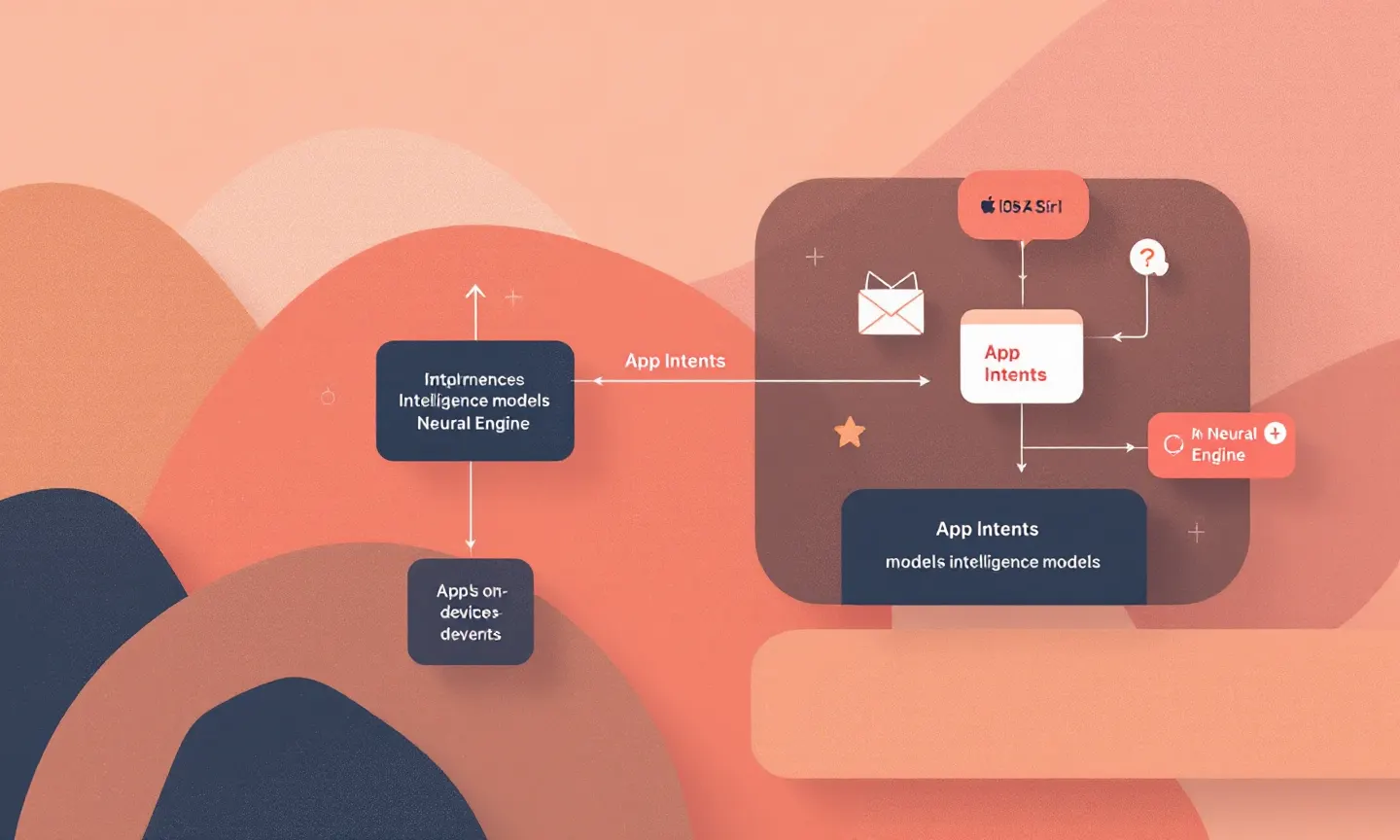
What the New Siri APIs Actually Expose
Apple's App Intents framework in iOS 27 lets you declare entities, queries, and actions that Siri invokes directly. You define your app's domain model as intent types. Siri handles the natural language routing. No separate NLU layer to maintain. No proxy server translating between your API and the assistant.
Control is the trade-off. You're handing disambiguation logic to Apple's runtime. When a user says something ambiguous, Siri resolves it using its own ranking, not your carefully tuned entity matching. For simple lookups, that's fine. For multi-step actions with conditional logic, you'll want a fallback path.
Privacy Architecture: What Stays Local
The data boundary is the part that matters for engineering decisions. On the Neural Engine, Siri processes personal context. Your app's data flows through the system's on-device pipeline, not through your backend. Apple's documentation is explicit: third-party app data exposed via App Intents stays local unless your intent explicitly calls a network action.
That's a real shift for apps that currently route everything through a server-side assistant. If you've built a voice AI pipeline that depends on round-tripping user queries to your own LLM endpoint, Siri on iOS 27 can bypass that entirely for supported intent types. You need to decide which queries Siri handles locally and which still need your backend.
Device Fragmentation Will Bite You
Here's the part nobody mentions in the keynote. Apple Intelligence and the new Siri features require an iPhone 15 Pro or later. iOS 27 runs on iPhone 11 and newer. That means a chunk of your user base gets the OS update but not the assistant upgrade. You're maintaining three tiers: full Siri integration, iOS 27 without Apple Intelligence, and devices on older OS versions. TechCrunch notes that Apple shipped the full release on September 14, 2026, so this fragmentation is live now.
At runtime, your code needs capability checks, not just build-time SDK availability checks. Query the system for Siri availability, fall back to your own on-device model for unsupported devices, and gracefully degrade to a web view if neither is available. For help mapping this, our AI consulting team has been doing exactly this for EU clients shipping this quarter.
Keep Siri or Keep Your Own Model?
If you already have an on-device assistant, the migration question is whether to adopt Siri's intent system or keep your own stack. Our take: use Siri for system-level interactions and keep your custom model for domain-specific reasoning. We've been building on-device AI pipelines that do exactly this split, and the pattern holds.
Siri handles the "what did I book last week" queries. Your model handles the "compare these two room types and recommend the quieter one" queries. For something like RunHotel, our on-device voice assistant for hotels, that split is natural because hotel guests ask both kinds of questions in the same session.
If you're starting fresh and only need iOS, App Intents are the fastest path to a working assistant. But if you need cross-platform parity, you're still building a separate on-device pipeline for Android. Use our AI cost estimator to model the inference budget for both paths before committing.
One Step This Week
Download the iOS 27 SDK, open the App Intents framework, and prototype a single intent against your app's most common user query. Run it on a physical device, measure the latency from voice input to intent resolution, and you'll know within an hour whether Siri's routing is fast enough or whether your own model stays in the loop.