
How to Safely Automate WhatsApp Business Setup with AI Agents: A Cropsly Integration Playbook
Hitesh Sondhi · September 17, 2026 · 6 min read
WhatsApp Business API has a configuration layer that nobody enjoys. Message templates, phone number registration, webhook setup, two-factor enrollment, business verification docs. It's hours of clicking through Meta Business Manager before you can send a single test message. Meta now lets AI agents handle the boring parts of WhatsApp Business setup, which means you can stop manually navigating that flow and start automating it through an agent-driven pipeline. Source: TechCrunch
But "automated" doesn't mean "ungoverned." When an AI agent creates and submits message templates on your behalf, you're introducing a new failure surface: template rejections, policy violations, leaked credentials, and API rate limits you didn't budget for. Here's how we'd build this at Cropsly without handing the keys to a model that has no concept of WhatsApp's content policies.
What Meta Actually Opened Up
Meta's update lets AI agents interact with WhatsApp Business onboarding and template management through a structured API surface. Think of it as a tool-calling layer: the agent can create templates, submit them for approval, check status, and wire up webhooks without a human clicking through the dashboard.
This isn't a chatbot answering customer messages. It's an agent operating the admin console on your behalf. That distinction matters because it changes your threat model entirely.
Wiring the Agent to WhatsApp Through MCP
We'd build this around a WhatsApp MCP (Model Context Protocol) server that exposes the WhatsApp Business API operations as discrete tools the agent can call. The agent receives a high-level instruction like "set up a booking confirmation template for a hotel client" and then sequences the individual API calls to create the template, set the language, category, and variable structure, and submit it for review.
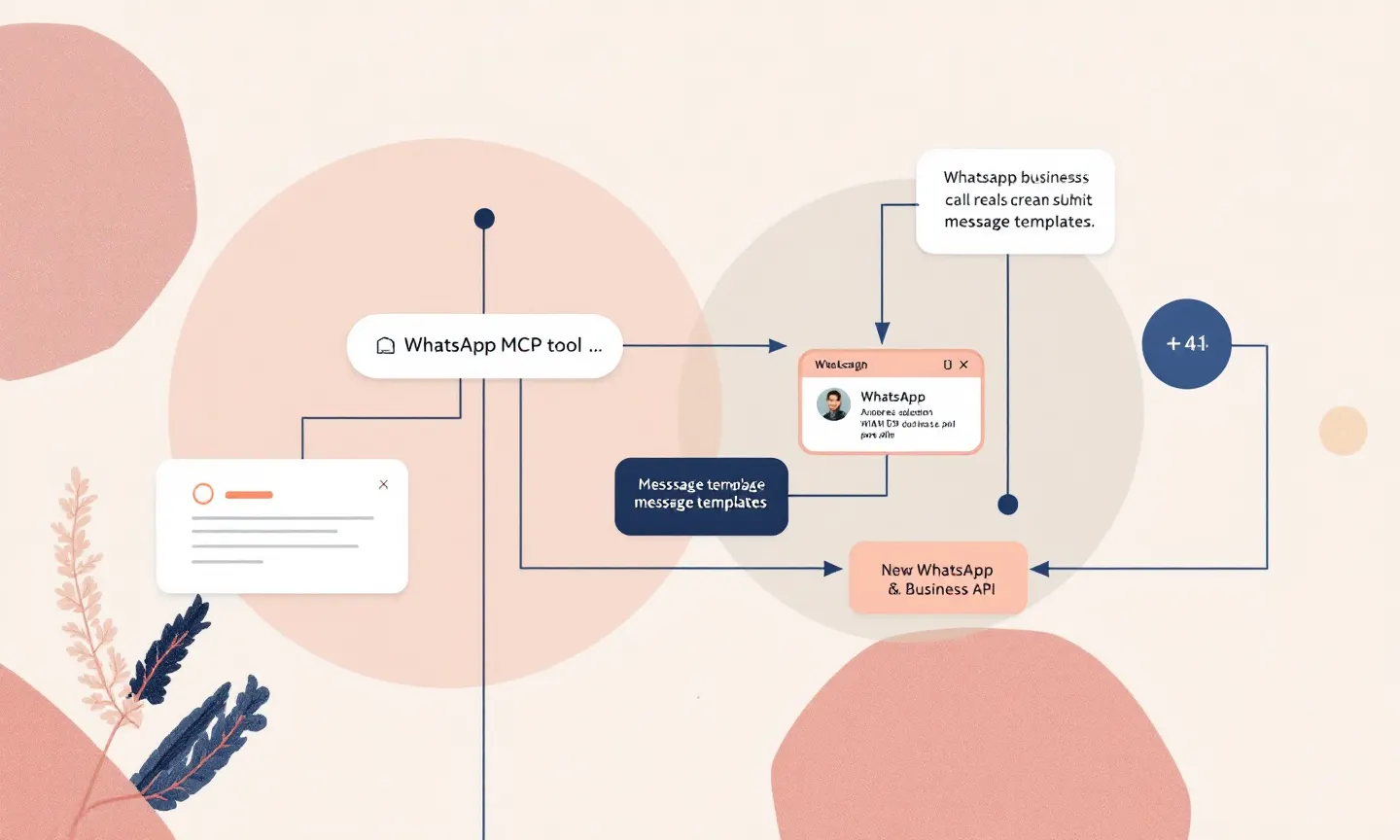
Your MCP server acts as the boundary layer between the model's reasoning and the actual API. Each tool call gets validated against a schema before it hits WhatsApp's servers. We do this for every agent integration, whether it's our RunHotel voice pipeline or a custom AI agent deployment. Our principle is the same: the model proposes, the server disposes.
A bare MCP tool for template creation might look like this:
@mcp.tool()
def create_template(
    name: str,
    category: str,
    language: str,
    components: list[dict]
) -> dict:
    # Validate against WhatsApp's template rules
    # before sending the actual API call
    validate_category(category)
    validate_components(components)
    return whatsapp_api.post(
        f"/v21.0/{phone_number_id}/message_templates",
        json={...}
    )
Validation is where you encode WhatsApp's content policies. No promotional language in utility templates. No placeholder-only body text. No Unicode tricks to bypass category restrictions. When the agent generates a template that violates these rules, the MCP server rejects it before Meta does.
Security: Don't Let the Agent Hold Your Token
One mistake we see teams make is handing the agent a long-lived WhatsApp Business API token and letting it call the API directly. That token has access to every phone number on your account. When the agent hallucinates a delete operation, or the model is compromised through a prompt injection, you're exposed.
Instead, the MCP server holds the token. Your agent never sees it. It calls tools on the MCP server, and the server authenticates to WhatsApp. This gives you an audit trail: every API call goes through your server, where you can log it, rate-limit it, and revoke it.
We'd also scope the token to the minimum permissions needed. When the agent only manages templates, it doesn't need messaging permissions. Meta's API supports granular permissions through the WhatsApp Business Management API, and you should use them.
The Cost Question: Is This Worth Automating?
Manual WhatsApp Business setup for a single client takes roughly 3 to 4 hours of an engineer's time: template drafting, submission, rejection cycles, webhook configuration, and testing. At a blended rate of around $75 per hour, that's $225 to $300 per client just for onboarding. Source: Upwork Developer Rates
An agent-driven pipeline can cut that to under 30 minutes of human review time. Your agent drafts templates based on your client's use case, submits them, and surfaces rejections for a human to adjust. You still need a person to approve the final templates before submission, but the drafting and iteration loop is automated.
For volumes above 5 clients per month, the automation pays for the integration work within the first quarter. For smaller volumes, manual setup is still cheaper. Run the numbers yourself with our AI cost estimator before committing to the build.
Template Rejections Will Eat Your Rate Limit
WhatsApp's template approval process is opaque. Templates get rejected for reasons that aren't always documented, and each rejection cycle costs you an API call. When your agent submits 20 templates and 15 get rejected, you've burned through quota that could have been used for actual messaging.
Fix this with a pre-submission validation layer in your MCP server that checks templates against known rejection patterns before sending them to Meta. We maintain a rejection log from past submissions and use it to catch common mistakes: overly long variable names, disallowed categories, missing fallback text for media headers.
What to Build First
Start with a single MCP tool: submit_template_for_review. Wrap it in your validation logic, connect it to a small agent powered by a custom model or an off-the-shelf LLM, and test it against 10 real templates from past projects. Measure the rejection rate before and after. A drop means you've got your proof of concept.
Want help scoping the full integration? Talk to us. We've built agent pipelines for on-device AI and voice systems across EU and UK clients, and we can map this one out in a single working session.
This week: audit your last 20 WhatsApp template submissions, log every rejection reason, and feed that list into a validation function your agent calls before any API hit.